


Virtual Staging
Furnish an empty room. Walls, windows and layout stay as they are.
AI virtual staging for real estate
Furnish empty rooms, clear the clutter and fix gray skies in seconds. StageAI keeps the walls, windows and layout of every photo, so buyers see the real space at its best.


One app, every listing photo
Every tool works on the photo you already have. Pick one, choose a few options, and compare the result with your original before you save it.
Furnish an empty room. Walls, windows and layout stay as they are.


New furniture, fixtures and finishes in a new style. The layout stays.


Clear the clutter and keep the main furniture, or empty the room.


Natural HDR balance, brighter rooms and richer color.


Describe any change in your own words, like a new wall color.


Turn a gray sky blue, or switch the photo to twilight.


Green the lawn and refresh the beds. The home stays the same.


Clear bins, hoses, cars and clutter from the front of the home.


Lift a dark, flat exterior into a bright listing photo.


Ask for a specific change, like new porch steps.
Design styles
Choose from 11 interior styles, or leave it on Auto and let StageAI pick a look that suits the room.


Also: Farmhouse, Mid-Century Modern, Transitional, Contemporary, Mediterranean.
How it works
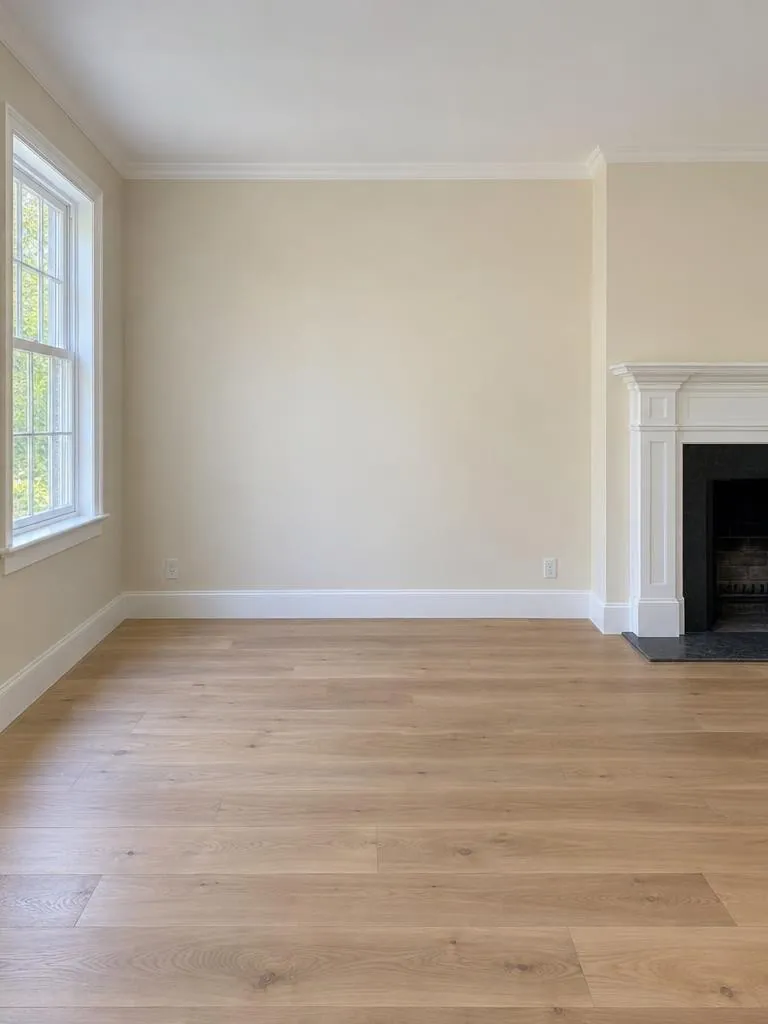
Shoot on site or pick a listing photo from your library, then crop it to frame the room.

Choose what to change, the room type and a style, or leave them on Auto.

Flip between versions, tweak with a prompt, and save in high resolution.


Made for listings
Pricing
Free to download with free credits. Go unlimited when it pays off, and cancel anytime in your store account.
$9.99/week
Billed weekly
For a single listing or a busy week.
Most popular
$39.99/month
3-day free trial, then $39.99 a month
For agents who list every month.
$399/year
About $33.25 a month
Best value for teams and top producers.
US prices. Your store shows the price in your currency. Subscriptions renew automatically until you cancel in your App Store or Google Play account. Plans are bought in the app.
StageAI is a virtual staging app for iPhone and Android. Take or choose a listing photo, pick a tool like Virtual Staging, Declutter or Sky, and get a photorealistic result in seconds.
Yes. StageAI is on the App Store for iPhone and iPad and on Google Play for Android phones. Your subscription is managed by the store you bought it from.
StageAI is free to download and comes with free credits to try it. For unlimited use, plans are $9.99 a week, $39.99 a month with a 3-day free trial, or $399 a year (US prices). Cancel anytime in your store account.
No. StageAI keeps the walls, windows, floors and layout of your photo and only adds or changes what you ask for, so buyers see the real space.
Yes. When you download, you can add a small “Virtually staged” label in the corner. Many MLSs require virtually staged photos to be disclosed, so check your local rules.
Yes. Exterior tools turn gray skies blue, create twilight shots, green the lawn, refresh landscaping and clear bins, hoses and cars from the curb.
Yes. Add an edit with a short prompt, like “make the sofa navy”. Each version stays with the original so you can compare them before you download.
From the blog

Real estate marketing guide for listings that sell: photos, virtual staging, channels, budgets, KPIs, automation workflows and property manager tactics.

Stage black and grey bedrooms that photograph well: shades, textures, a modern black bed, lighting, and softer grey and beige or grey and pink options.

Virtual staging cost for agents: per-photo prices, credit plans vs. unlimited AI apps, what drives a quote, and sample budgets for vacant listings.
Free to download on iPhone and Android. Start with free credits, then go unlimited.